Architecture
A platform, not a monolith.
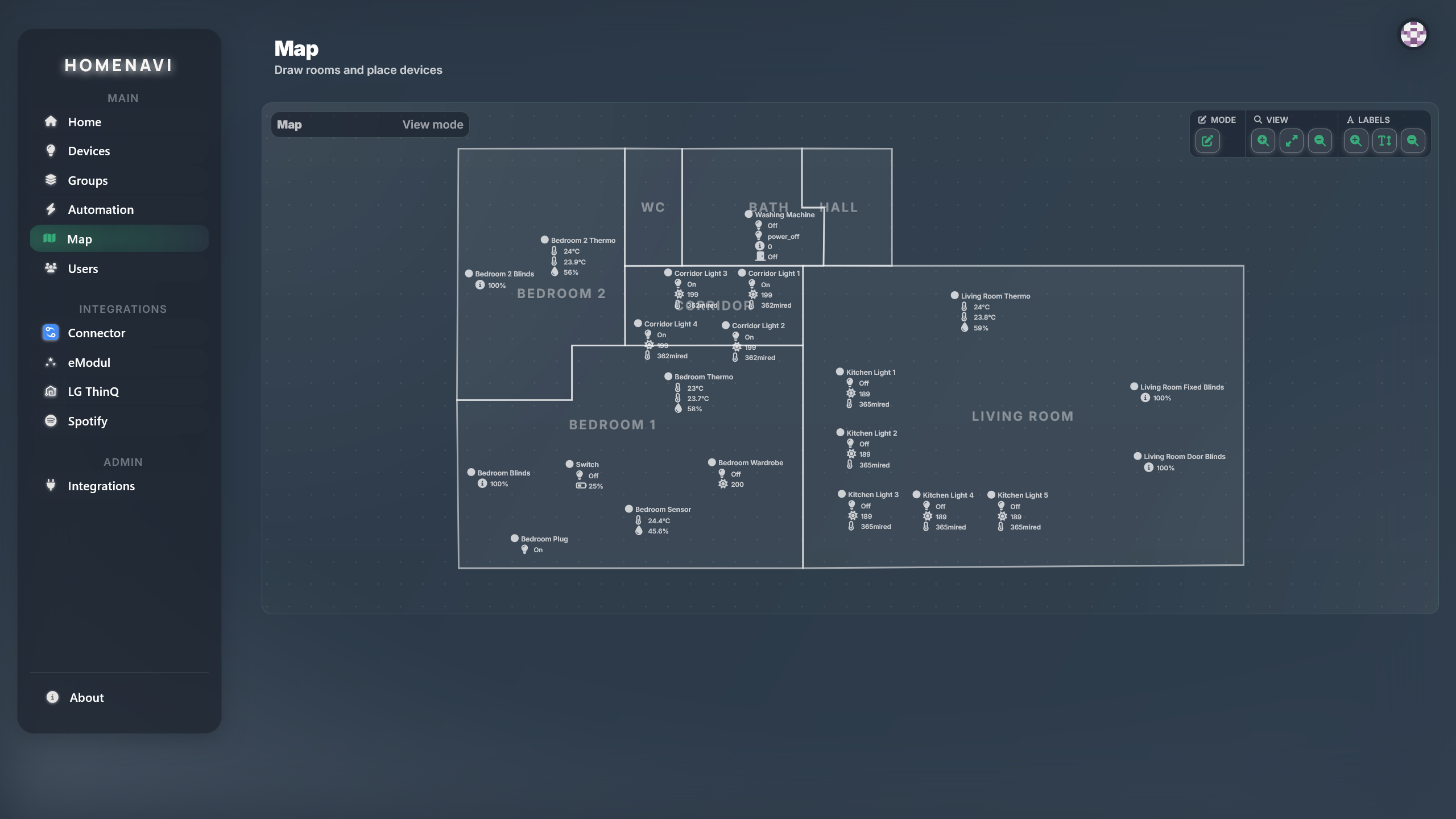
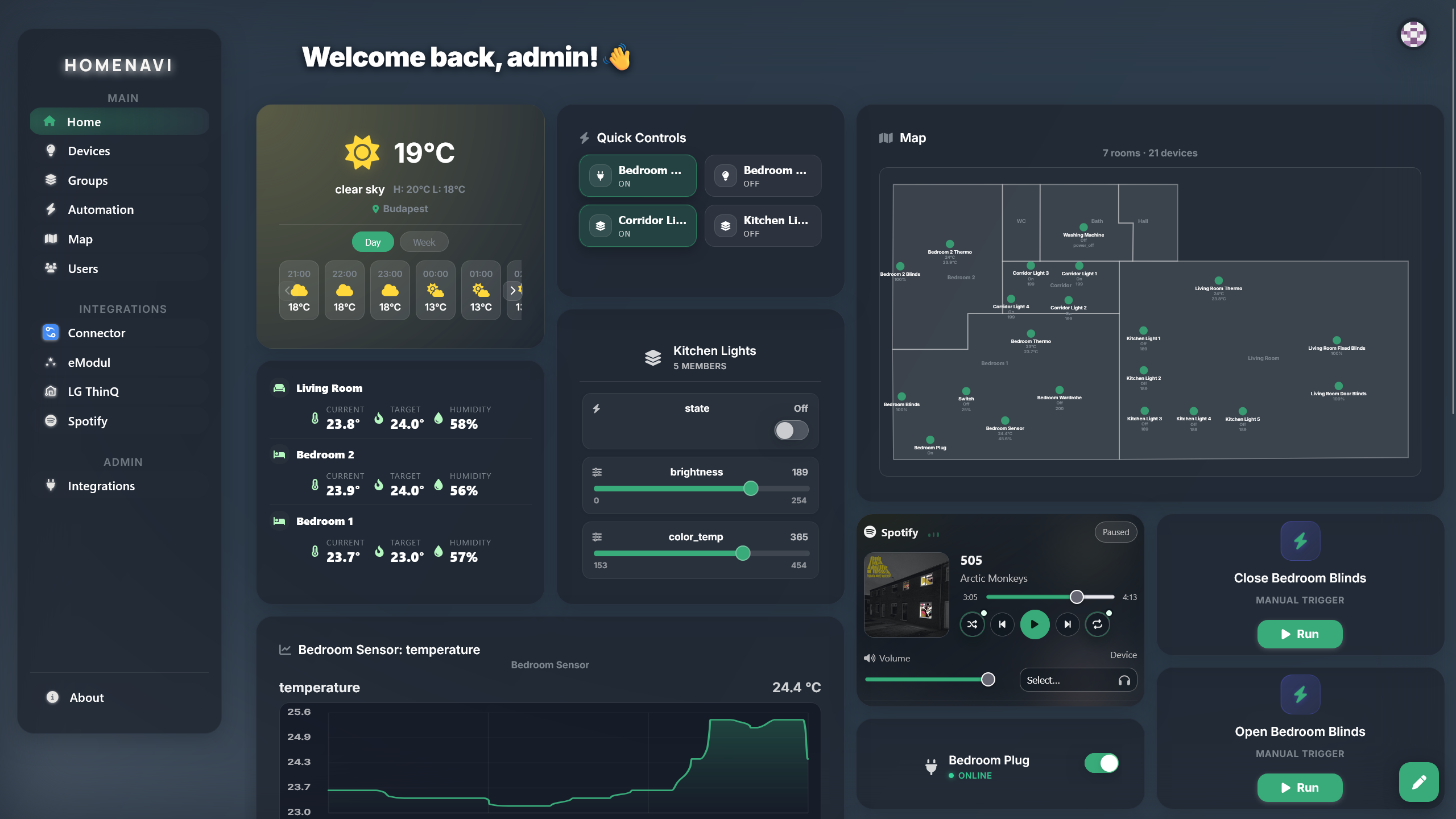
Homenavi is a set of focused microservices around a realtime device plane. Each service can be deployed, scaled and observed on its own, and integrations plug into the plane rather than patching the core.
Realtime device plane
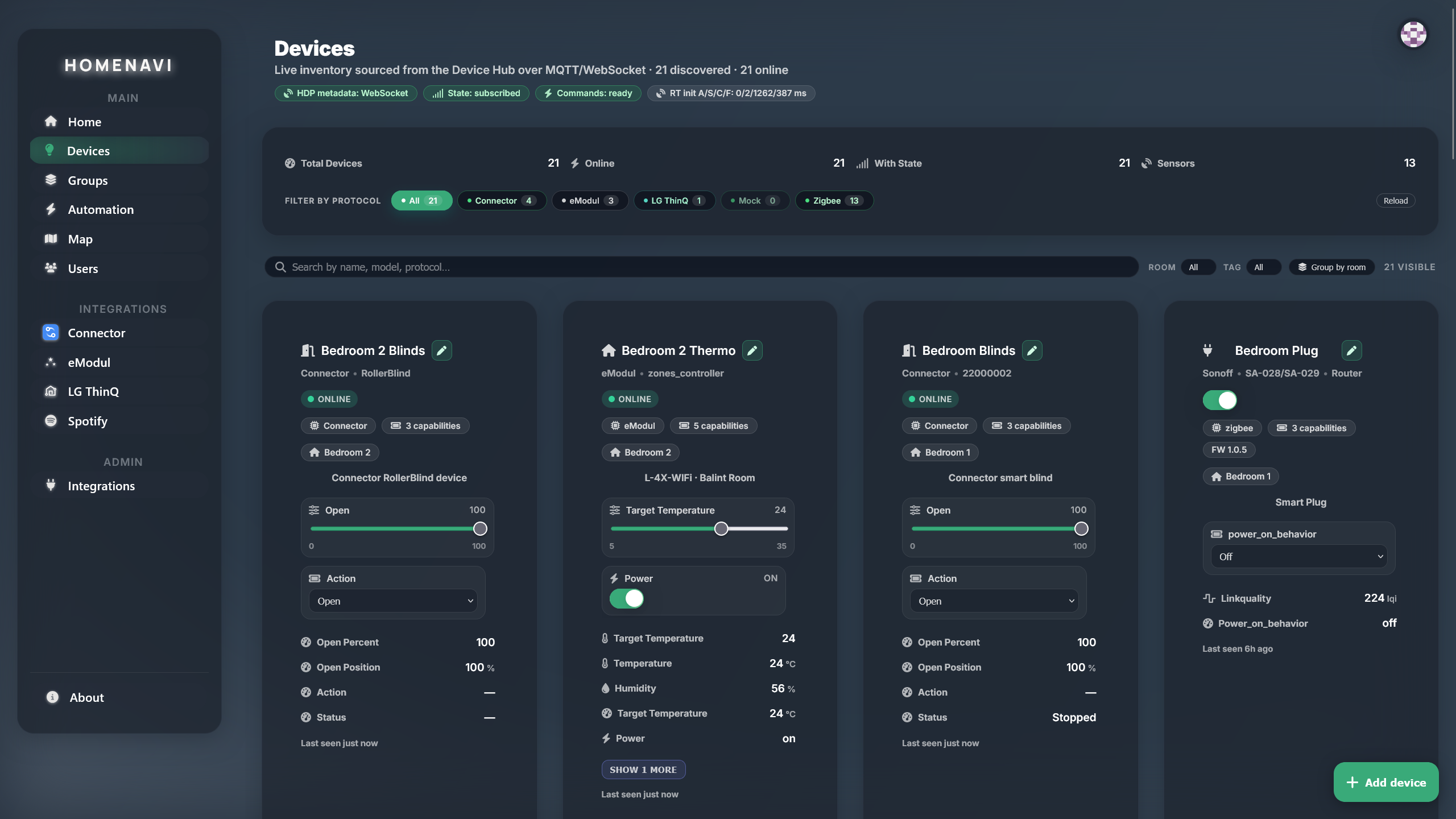
Devices speak MQTT using the Homenavi Device Protocol. The device hub keeps authoritative state and streams updates, which is what makes dashboards, groups and automation triggers feel instant rather than polled.
Integrations, not plugins
An integration is a self-contained service with a manifest declaring widgets, device extensions, automation extensions, auth and setup UI. The integration proxy deploys it from Compose or Helm artifacts and registers it with the platform.
Self-hosted by design
The whole stack runs on your own hardware with Docker Compose or Helm. Your data stays on your infrastructure, and the mock adapter profile stands in for real devices so you can try the platform without any hardware.
Observability and security
Metrics and tracing
Prometheus metrics, Jaeger traces and correlation IDs flow across every service, so a slow request can be traced end to end.
Authentication
RS256 JWT sessions with optional email 2FA. Redis-backed rate limiting protects the API surface.
Isolation
Integrations run as their own services behind the proxy. A misbehaving integration cannot reach the core datastore directly.
docker compose up -d
# nginx       :80     the ingress — open http://localhost
# frontend    :5173   the app, proxied through nginx
# api-gateway :8080   the API entrypoint
# grafana     :3000   platform metrics