Hosted demo
The platform, running without your hardware.
The demo instance is a real Homenavi deployment with simulated devices standing in for the ones you do not have yet. It is the fastest way to judge the product before you commit to self-hosting the full stack.
https://demo.homenavi.org
Availability can change between checks. The launch button remains available; use the local mock-adapter path if the hosted environment is unavailable.
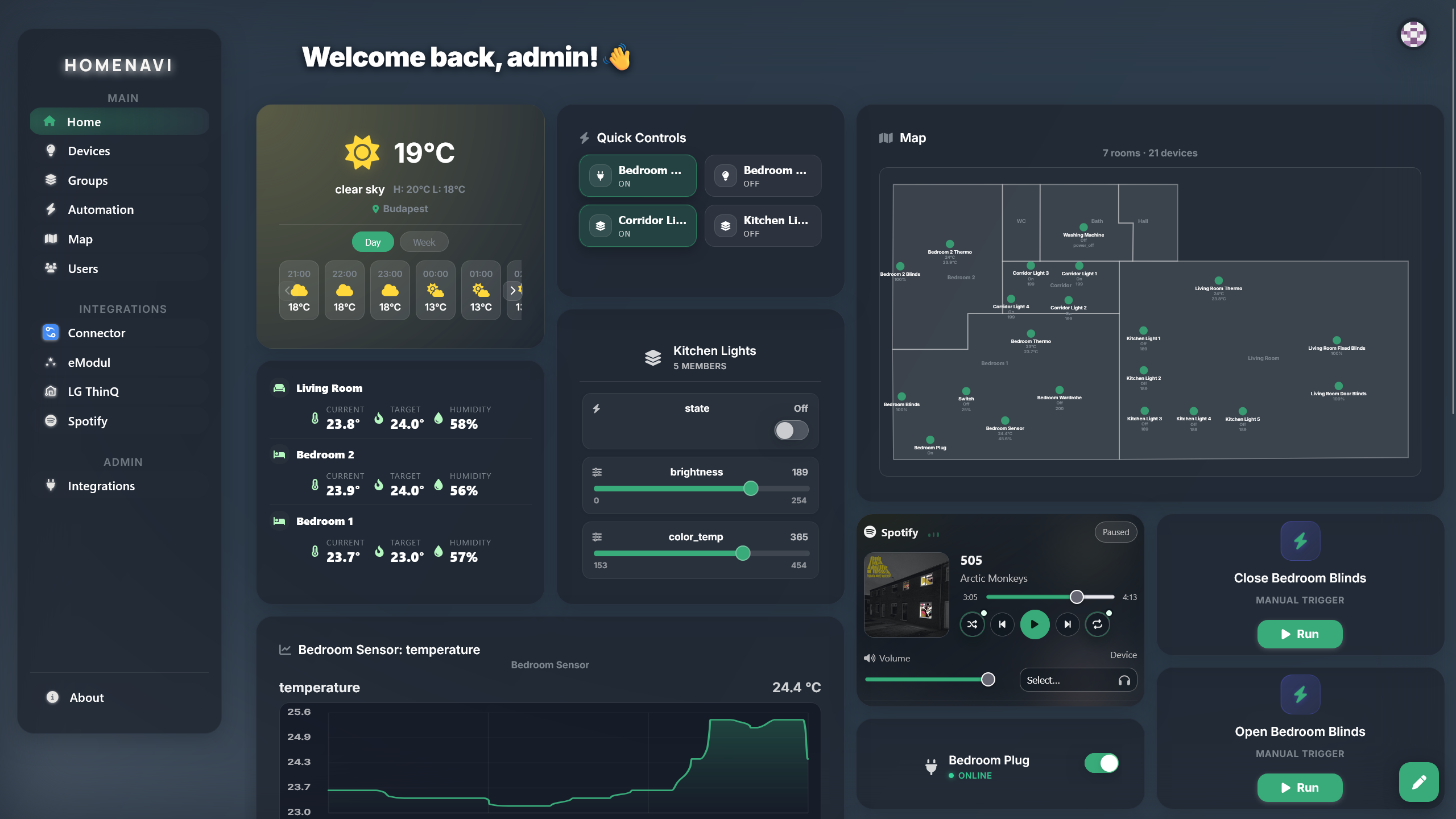
What you can try
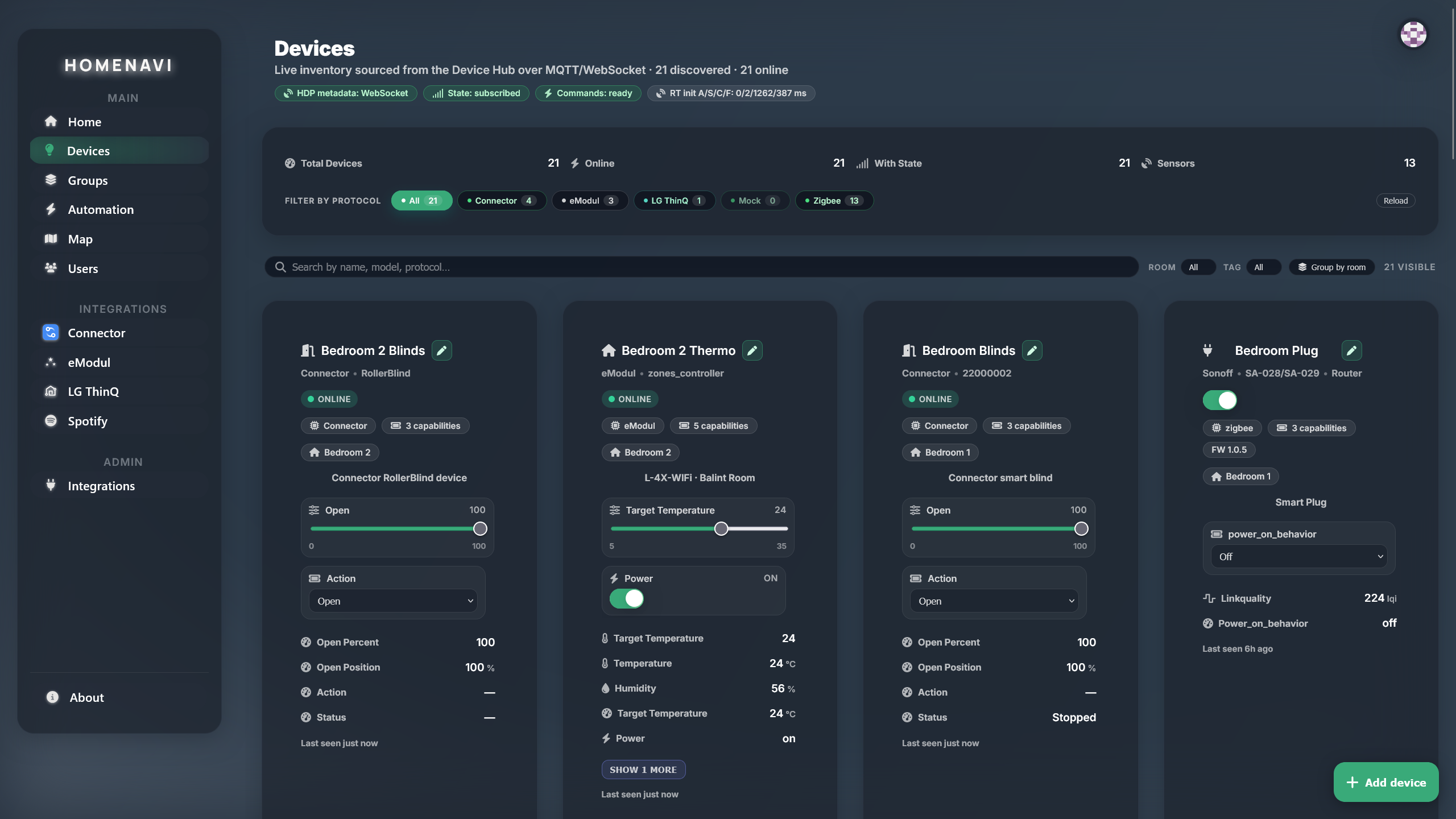
Control devices
Toggle lights, change scenes, and read live device state from the device list and the room map.
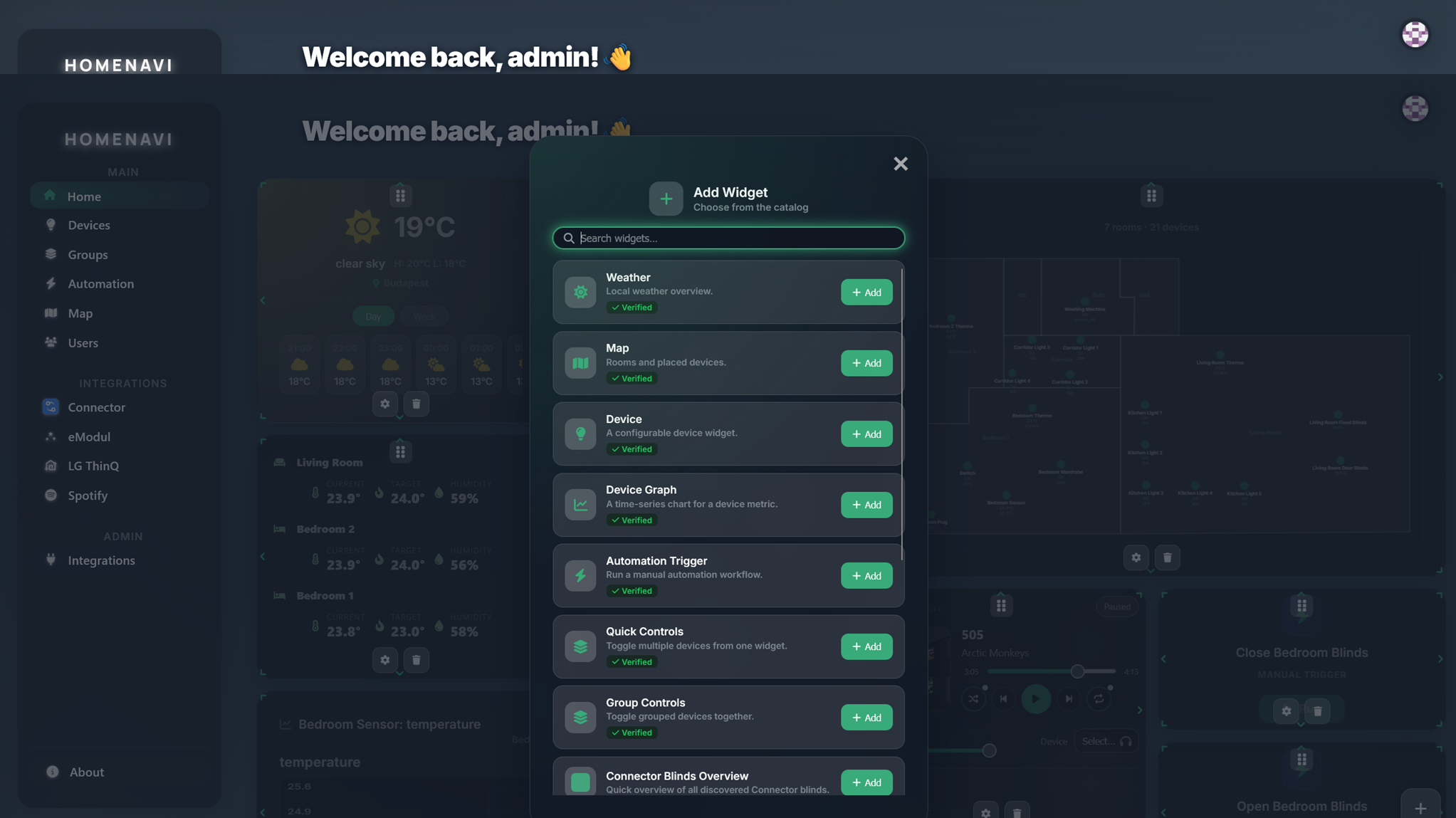
Build a dashboard
Add widgets from installed integrations and rearrange them on a self-hosted dashboard.
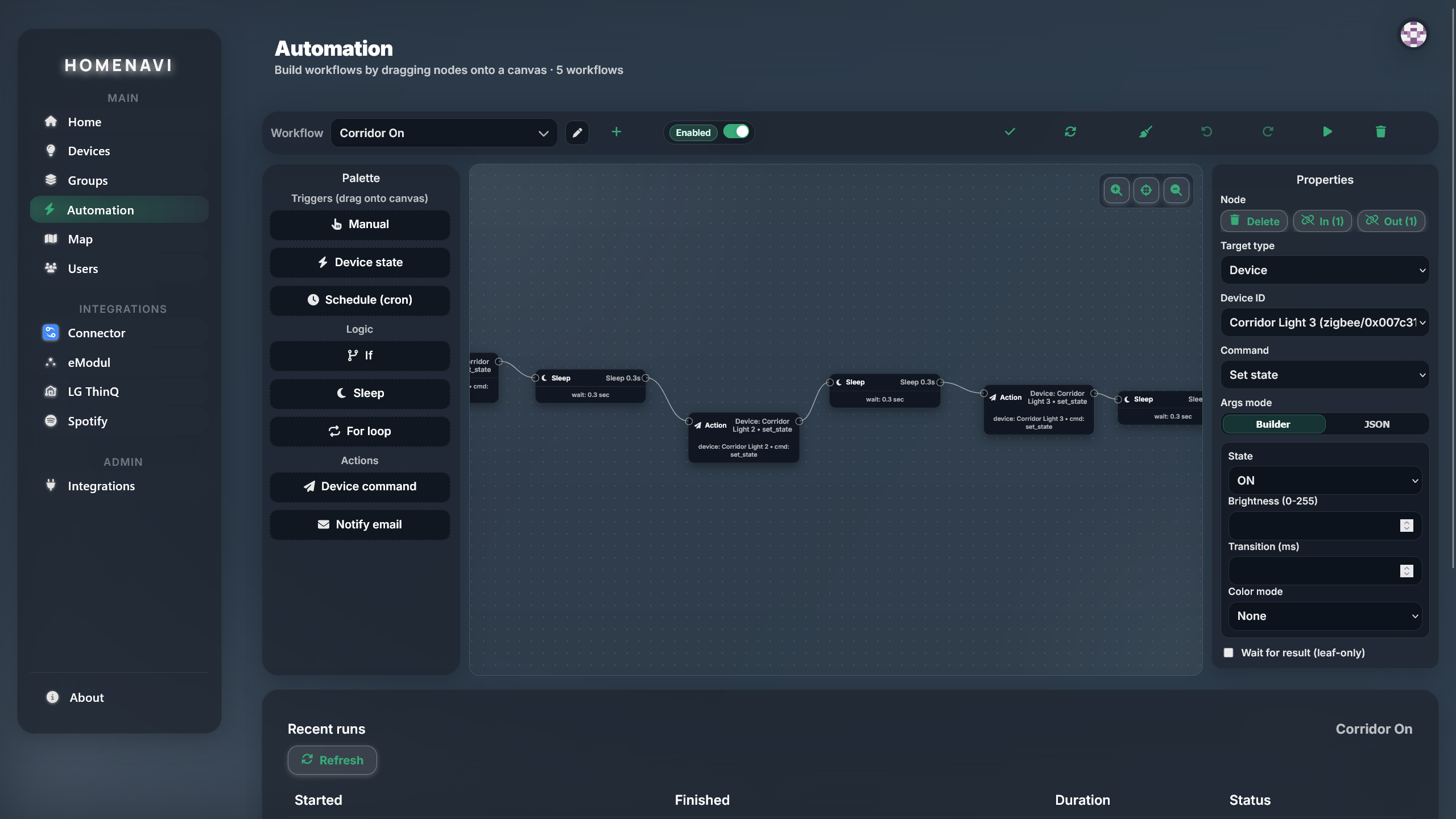
Compose an automation
Chain triggers, conditions and actions in the workflow editor, then run it against the demo device world.
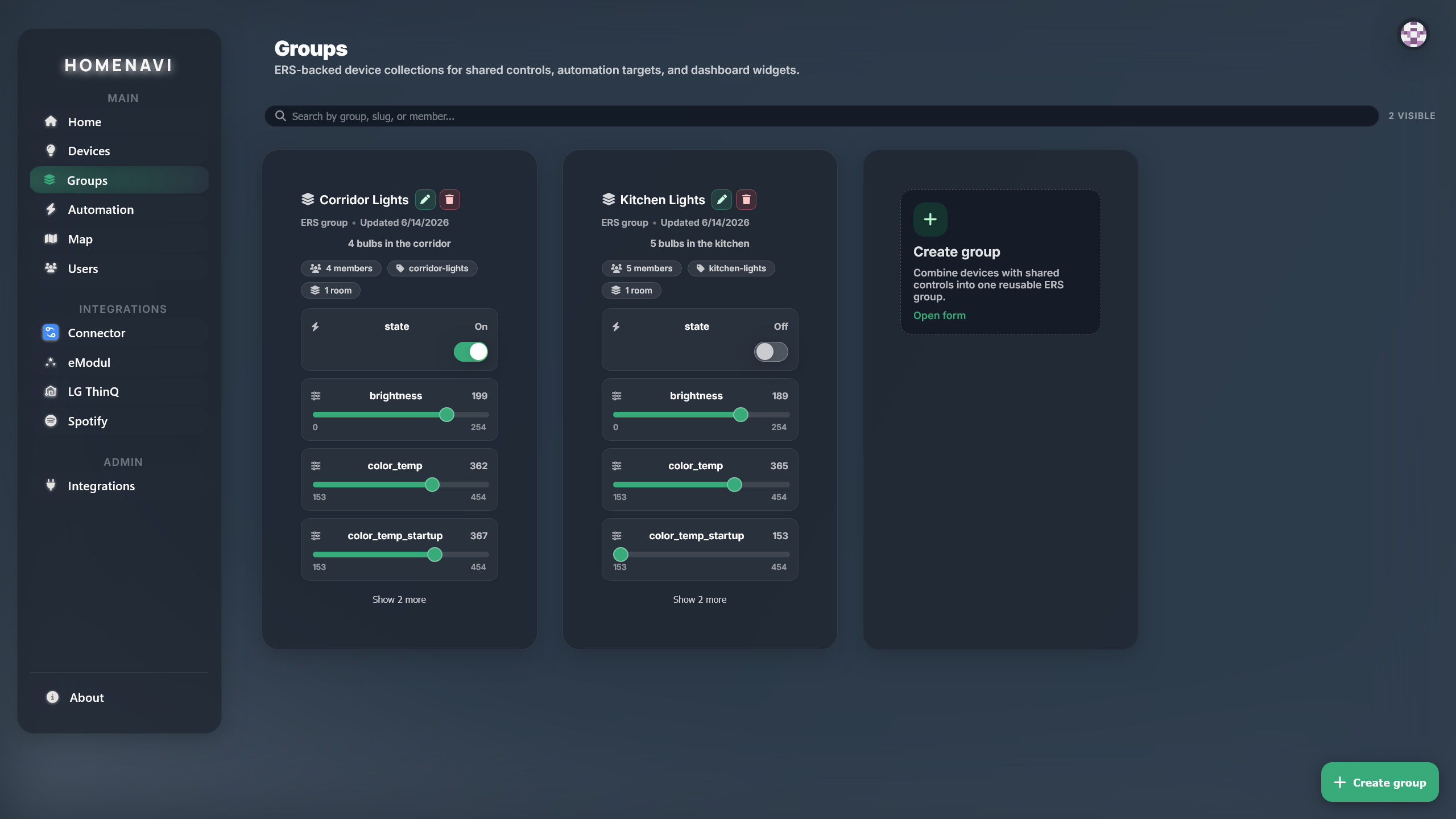
Group devices by room
Assign a room for location, then use groups or tags for the controls and automations that span devices.
Automations in the demo
The workflow editor is the same editor you get when self-hosting. Triggers, conditions and actions are validated against the device hub, so what you compose in the demo is what runs in production.
Prefer to run it yourself?
There is no seeded demo world in the open-source stack yet. What you can do locally is start the platform and attach the mock adapter, which publishes a fake device tree over MQTT so the dashboard has something to talk to.
git clone https://github.com/PetoAdam/homenavi.git
cd homenavi
cp .env.example .env
docker compose pull
docker compose up -d --profile mock-adapter
nginx is the ingress, so the platform is reachable at http://localhost once docker compose ps reports the edge services running.