Pair once, organize everywhere

The Device Hub brings supported integrations into one inventory. Give a device a room, tags, and groups so it can be found by place, purpose, or collection, while realtime HDP state keeps every connected control surface current.
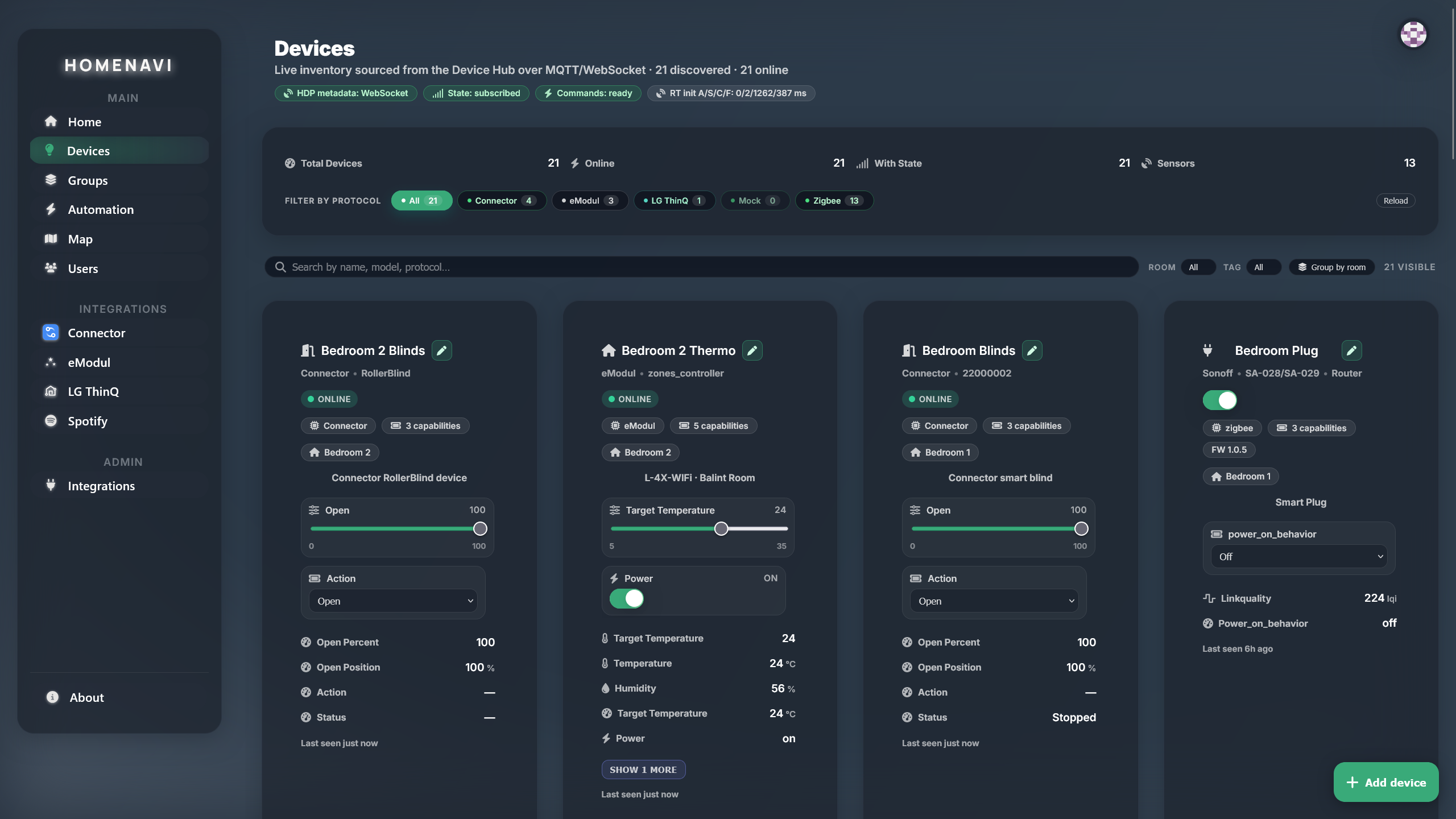
Device inventory view
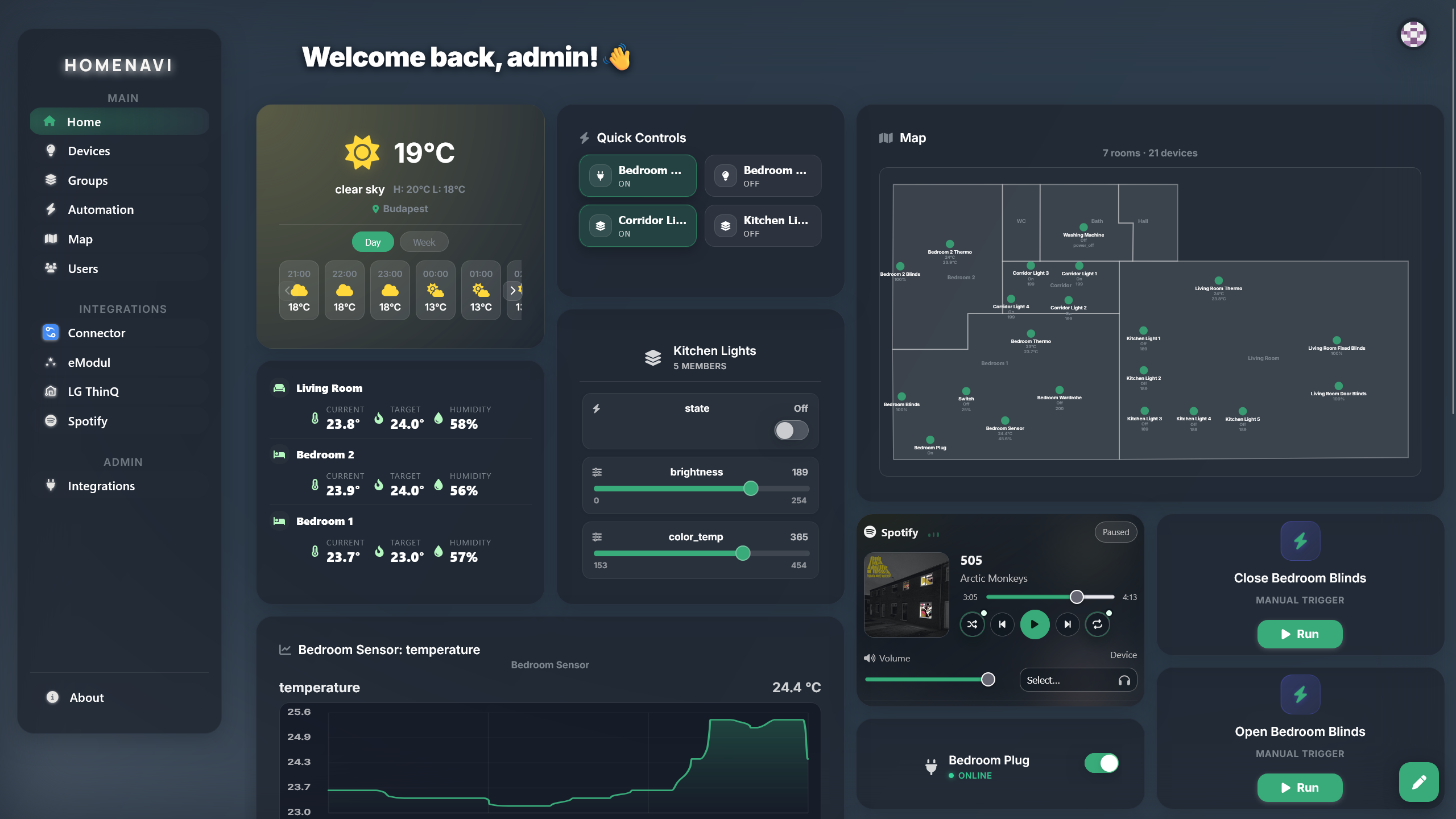
Dashboard with resizable widgets

Dashboards for every household member

Each person can create a control surface built around their own routines. Add weather, devices, integrations, and maps; then resize and rearrange widgets until the dashboard fits the way they use their home.

See the home as a place

Place devices on an interactive floor map, inspect room-level state, and move into the room-filtered device inventory without losing spatial context. Groups still make whole-home actions simple when a room is not the right target.
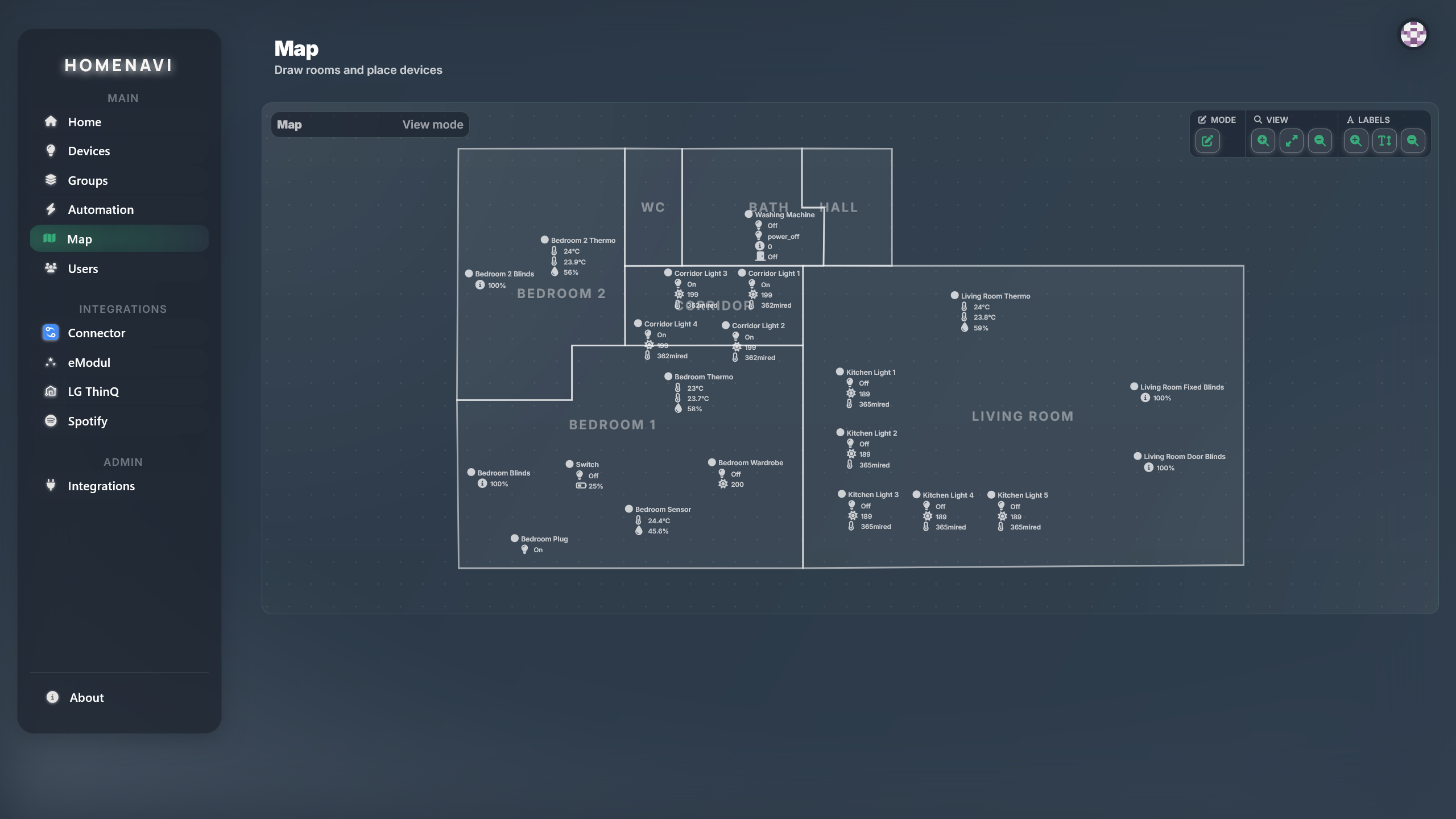
Floor map editor with device placement
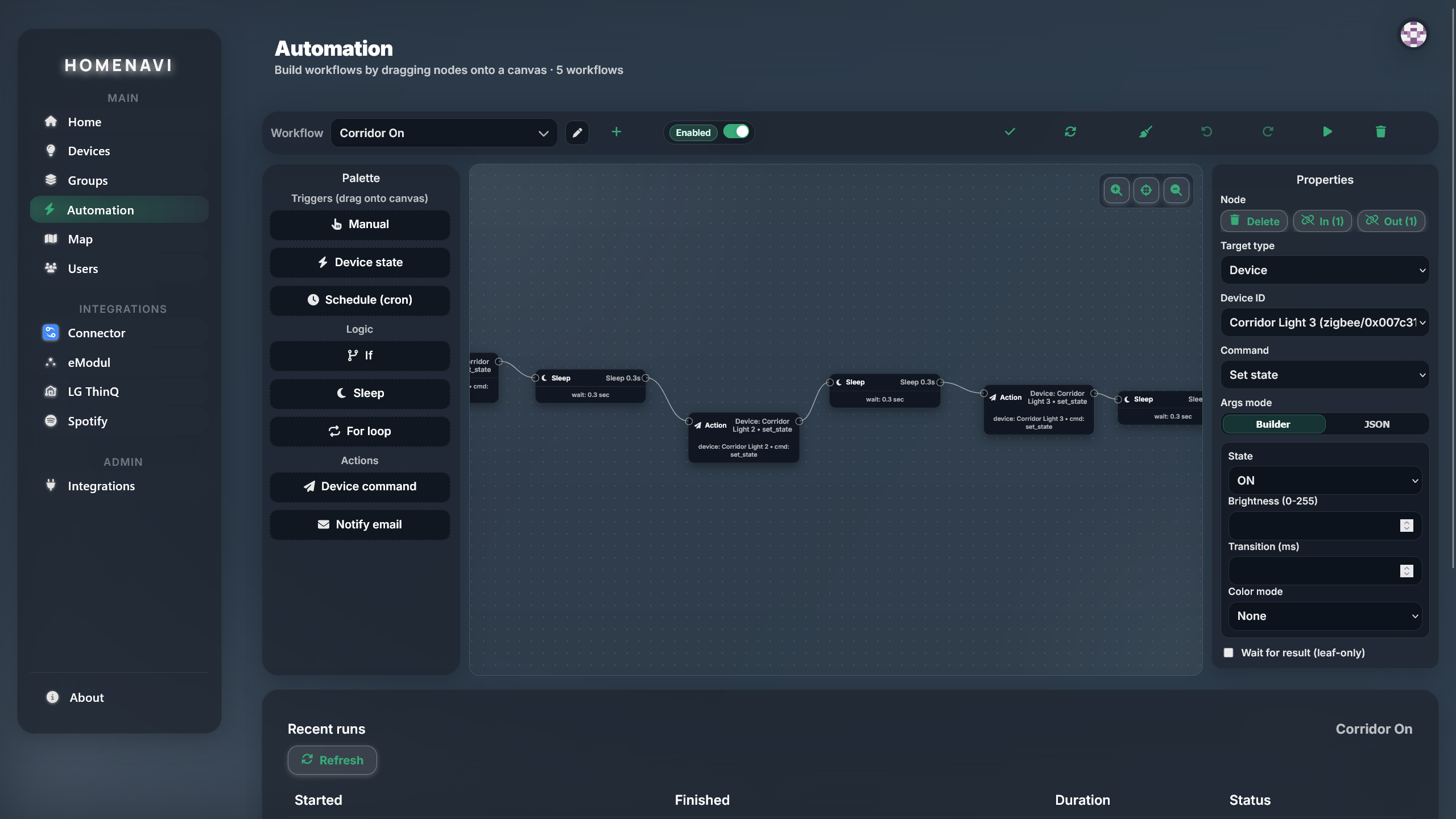
Automation workflow editor

Automation workflows

Build workflows from triggers, conditions, branches, and actions. Sensor events, schedules, and integration events can drive scenes, device commands, and notifications, with command acknowledgement data available to the workflow.

Integration runtime

Install an integration quickly, then use its setup UI to configure it. Behind the Integration Proxy, manifests declare device extensions, custom widgets, automation steps, and auth so each integration feels native to Homenavi.
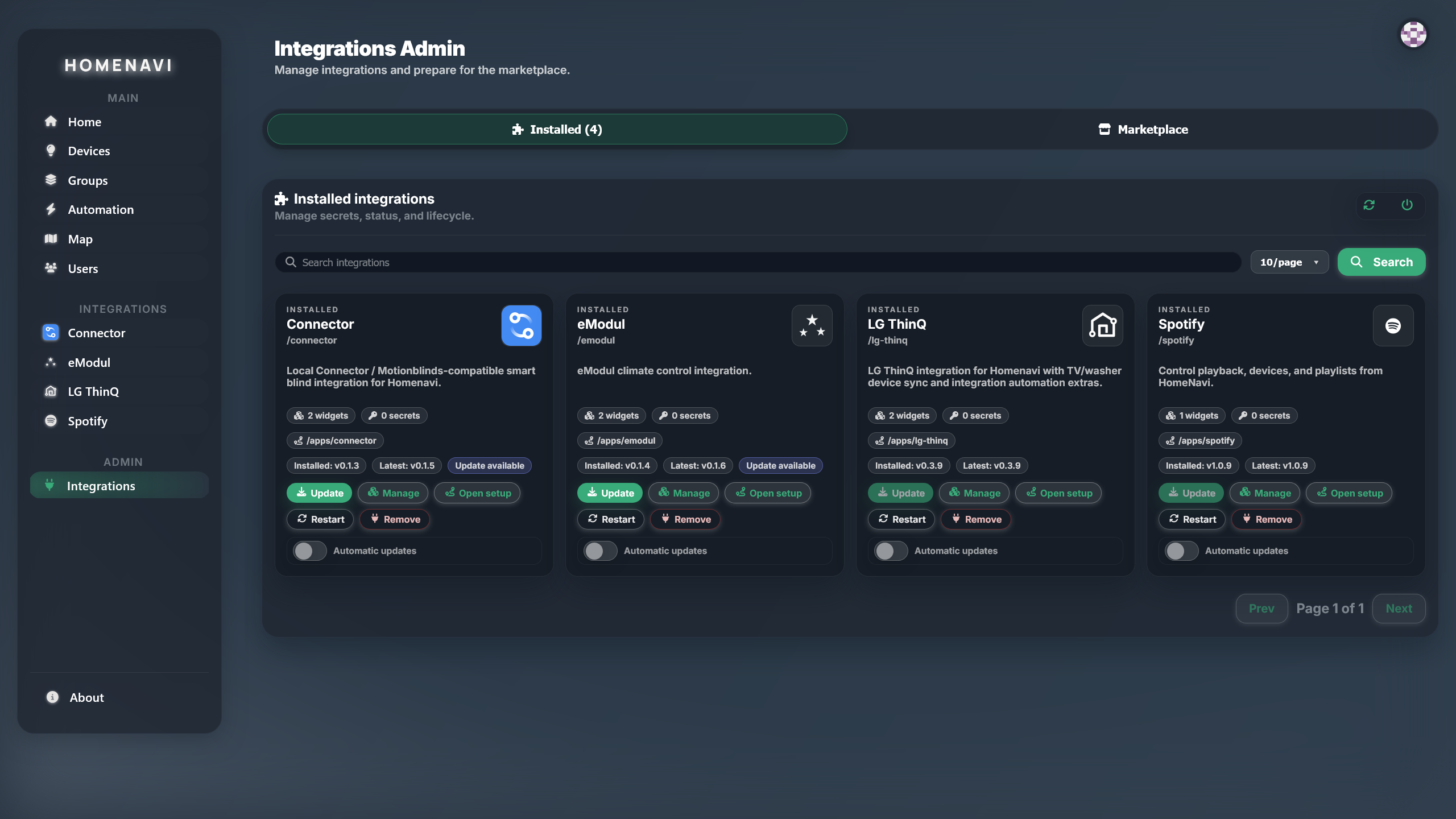
Installed integrations view

Easy pairing flows

Pair, place, and use the device immediately.

Start from an integration setup surface, then keep the device useful in the home model from its first live state update.

  1. 01ConnectUse the integration's setup UI and validate its credential or local discovery path.
  2. 02OrganizeAssign rooms, tags, groups, and optional map placement while the device is fresh in context.
  3. 03ControlUse the same capability model across dashboards, automations, and scoped MCP tools.

Modern Go microservices

Services that scale by responsibility, not by accident.

Go services keep the realtime device runtime, automation, history, identity, and dashboard workloads explicit. HDP over MQTT carries shared events without forcing every consumer into a shared database.

Clear ownership
Each service owns a focused part of the home model and communicates through contracts.
Realtime by default
HDP events let dashboards, automations, and history react to the same device change.
Independent operations
Deploy, observe, and scale service workloads according to their actual responsibilities.

Operate and extend

A control plane you can keep.

01

ASSISTANT ACCESS

MCP, scoped by design

Connect compatible assistants with OAuth 2.1 and PKCE-scoped tools for inventory, history, device control, groups, and workflow runs. The device role for voice is under development.

01ASSISTANT ACCESS
02

TRUST BOUNDARY

Explicit access boundaries

Authentication, session validation, and role-based access control protect service boundaries before a device command reaches the runtime.

02TRUST BOUNDARY
03

DEPLOYMENT RANGE

Small hardware to HA

Run a local or small instance with Compose, including capable Pi-class homelab hardware, or use Helm and the HA profile when Kubernetes fits your operating model.

03DEPLOYMENT RANGE
04

CONTROL SURFACE

Mobile-friendly PWA today

Use the responsive interface on a phone and install it directly from a supported browser. Native mobile and Matter support are planned.

04CONTROL SURFACE
05

EVENT STREAM

Realtime state without polling

Device changes travel through the Homenavi Device Protocol over MQTT, so dashboards, automations, and connected clients react to the same live event stream.

05EVENT STREAM
06

DURABLE RECORD

History that stays useful

History consumers record HDP state changes for charts and queries without making the dashboard poll the device runtime for a stale answer.

06DURABLE RECORD
07

EXTENSIBILITY

Marketplace to contributor path

Find installable integrations in the marketplace, then use the public integration template when your home needs a capability that does not exist yet.

07EXTENSIBILITY
08

HDP CONTRACT

A shared device contract

Adapters translate vendor-specific behavior into HDP messages, allowing the rest of Homenavi to work with a consistent model instead of a separate API for every brand.

08HDP CONTRACT

For technical readers

Want to know more?

Follow the data paths, service boundaries, device protocol, integration runtime, and deployment choices behind these capabilities.

Explore the architecture